
Summary
Getting the best Wi-Fi signal in your home isn't just about buying a powerful router. How you position the router and its antennas plays a big role in coverage. The correct way to set up your router's antennas depends on the layout of your home and where you need the signal to go. Simple adjustments can improve speed and reduce dead spots.
Main Impact
Many people place their router in a corner or behind furniture without thinking about antenna direction. This can weaken the signal in rooms far away. By understanding how antennas send out signals, you can make small changes that improve internet performance throughout your home. The key is to match the antenna position to your home's shape and size.
Key Details
What Happened
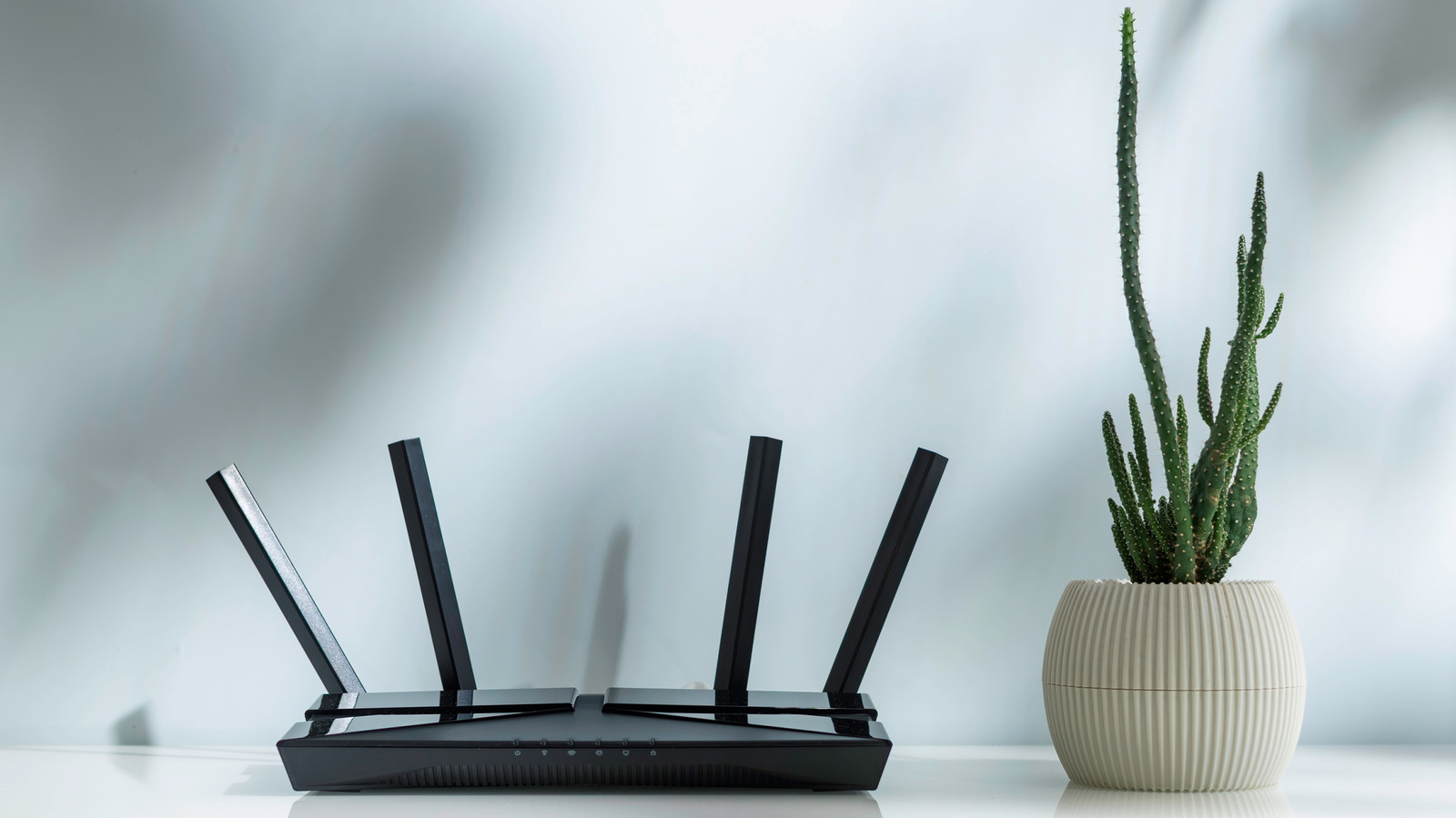
Experts have shared tips on how to position router antennas for the best coverage. The advice depends on whether your router has external antennas and how many floors your home has. For a single-story home, antennas should point straight up. This sends the signal out in a flat, wide pattern that covers the whole floor. For a two-story home, you should tilt the antennas at different angles. One antenna pointing up covers the same floor, while another tilted sideways sends the signal up and down between floors.
Important Numbers and Facts
Most modern routers have two or four external antennas. The signal from a vertical antenna spreads out horizontally, like a pancake. A horizontal antenna sends the signal in a donut shape, which helps reach rooms above or below. Placing the router in a central location, away from walls and metal objects, also improves coverage. Avoid putting it near microwaves or cordless phones, as these can interfere with the signal.
Background and Context
Wi-Fi signals are radio waves that travel through the air. They can be blocked by walls, floors, and large objects like refrigerators. Router antennas are designed to send these waves in specific patterns. Understanding these patterns helps you place the router for the best performance. Many people don't realize that a simple antenna adjustment can make a big difference, especially in homes with thick walls or multiple floors.
Public or Industry Reaction
Tech experts and internet service providers have shared similar advice for years. Many users report better speeds and fewer dropouts after adjusting their antennas. Online forums and support sites often recommend these tips as a first step before buying a new router or extender. The advice is widely accepted because it is simple and free to try.
What This Means Going Forward
If you are having Wi-Fi problems, start by checking your router's position and antenna angles. For a single-story home, keep antennas vertical. For a two-story home, mix vertical and horizontal positions. If your router is in a basement or attic, tilt antennas to send the signal upward or downward. These small changes can save you money on expensive equipment and improve your internet experience.
Final Take
Positioning your router's antennas correctly is a simple and effective way to boost your Wi-Fi signal. It costs nothing and takes only a few minutes. By matching the antenna setup to your home's layout, you can get better coverage and faster speeds without buying new gear.
Frequently Asked Questions
Should I point my router antennas straight up?
For a single-story home, yes. Pointing antennas straight up sends the signal out horizontally, covering the entire floor evenly. This is the best position for most homes with one level.
How should I position antennas for a two-story house?
For a two-story home, tilt one antenna straight up and another at a 45-degree angle or sideways. This helps the signal reach both floors. If you have more antennas, you can experiment with different angles.
Does the router's location matter more than antenna position?
Both matter. Place the router in a central spot, away from walls and metal objects. Then adjust the antennas based on your home's layout. A good location with correct antenna angles gives the best results.